From A Rightmove Link To A 3D Walkthrough
Paste the link and we build a home you can walk around. Everything we need is already on the listing.
Paste The Link
Copy the address of a live Rightmove property page and paste it in with your email.
That is all we ask for. The floor plan and photos come from the listing.
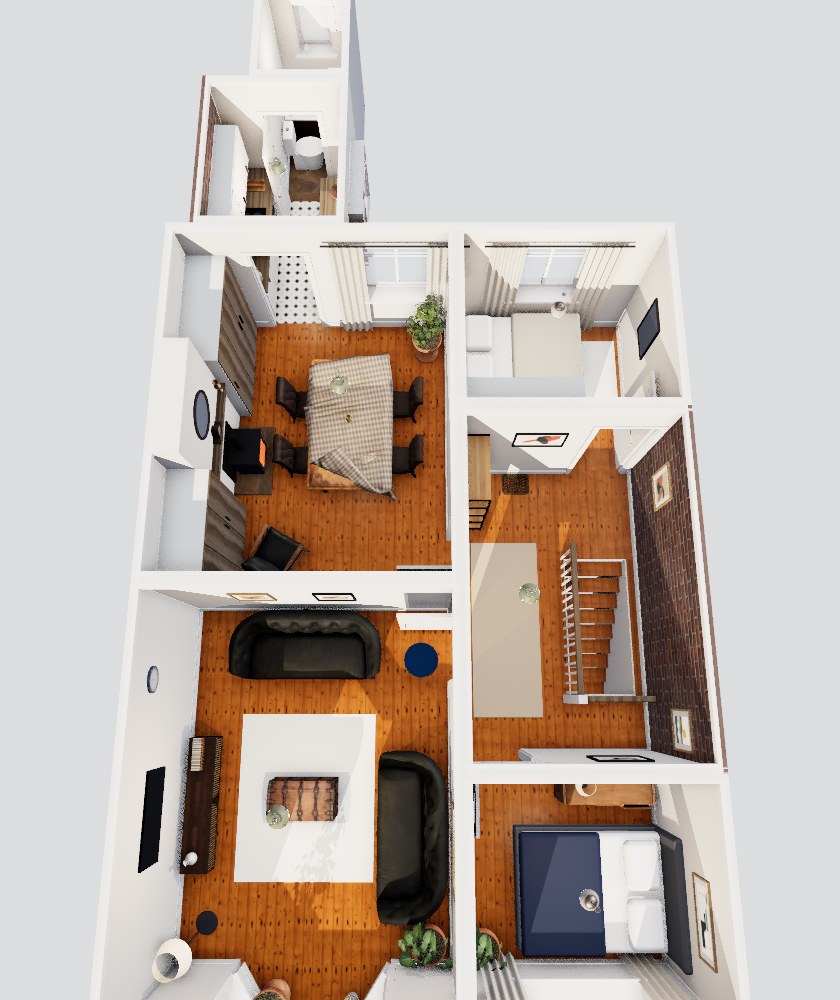
We Read The Listing And Build The Rooms
The floor plan sets the layout. The photos set the furniture and finishes.
We are in early access, so we email your link when it is ready.
Open It And Share The Link
You get one link that opens in a browser.
Homeowners send it to their estate agent. Agents add it to the listing as the virtual tour.
What You Get.
One link, with the whole home inside it.
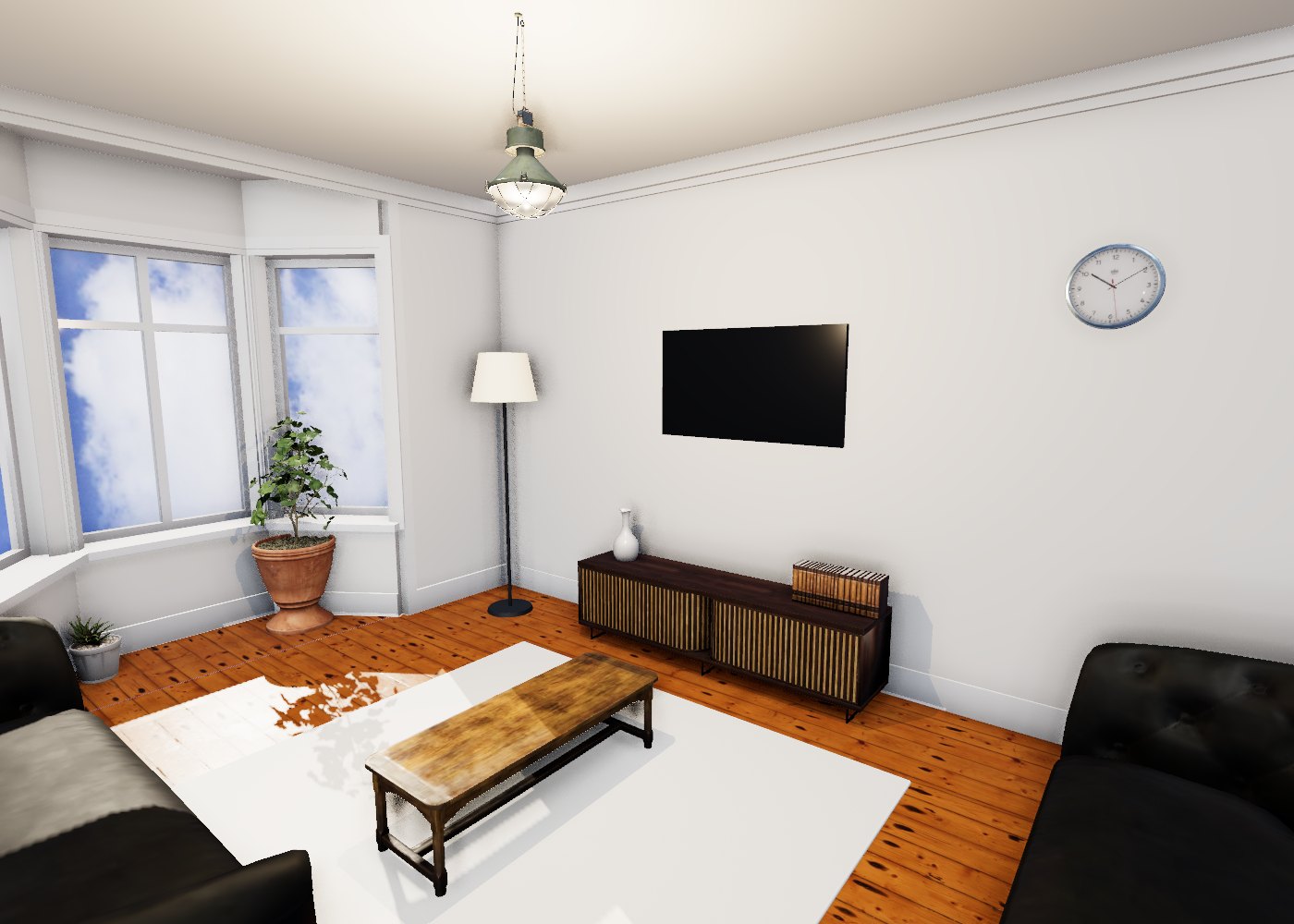
Walk Every Room
Move through the doorways and around the furniture, at eye level.
Dollhouse View
Lift the roof off and see how the rooms connect.
Floor Plan Map
A map of the floor plan shows where you are in the home.
The Real Photo For Each Room
See the listing's own photo of a room alongside the 3D model.
Works In A Browser
The link opens in a modern web browser.
Simple Controls
Look around and walk with simple controls. You can invert them if you prefer.
A Floor Plan And Photos On The Listing.
Most of the work is already done. We read what the listing shows.
Try your listing- A Floor PlanIt sets the layout of the rooms.
- PhotosThey set the furniture and finishes.
- No Floor Plan?We estimate the layout from the photos. It will be less precise.
An Illustration, Not A Survey
The layout follows the floor plan. Furniture and finishes are indicative, based on the photos.
Each Floor Is Shown Separately
Homes with more than one floor are split by floor, so each one is easy to follow.
Paste Your Link And Have A Nose.
We are in early access, so we email your link when it is ready.
Build my walkthrough